CommMonitor - How to Save a Monitoring Session
2026-05-17
CommMonitor How to Save a Monitoring Session?
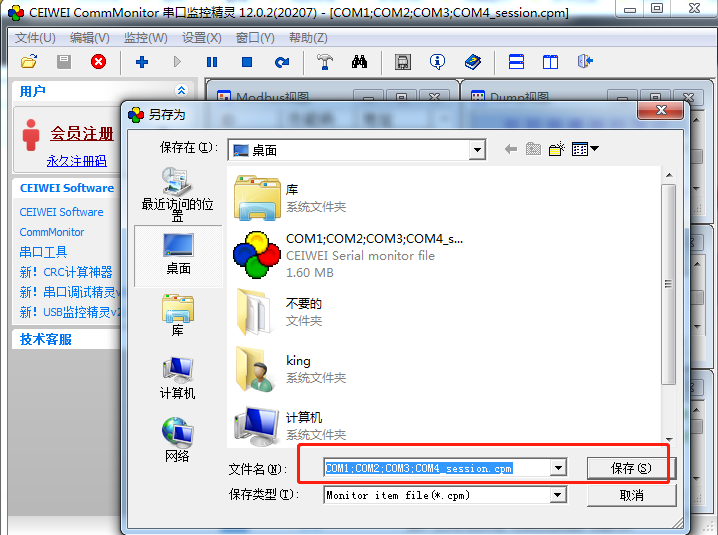
1. Click the [Save] button on the toolbar or open Menu->File->Save Session, as shown below:

2. A Save or Save As dialog will appear. Choose the location you want to save to->enter a file name->Save->Done.