CommMonitor - How to Close a Session
2026-05-17
CommMonitor How to Close a Session?
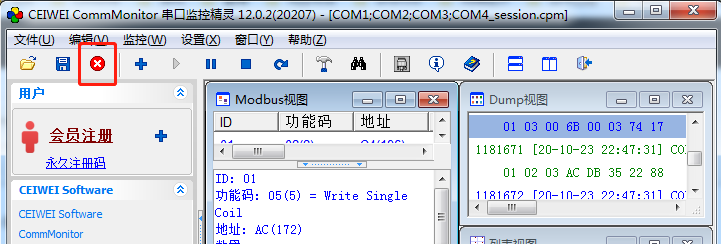
1. Click the [Close Session] button on the toolbar or open Menu->File->Close Session, as shown below:
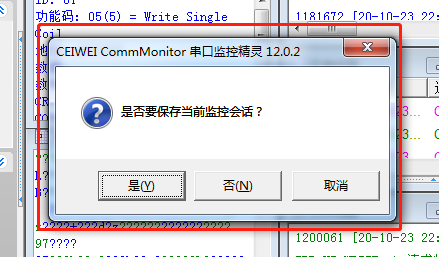
2. If the current session has no monitoring data, the views will close directly. If there is monitoring data that has not been saved, you will be prompted whether to save the session.
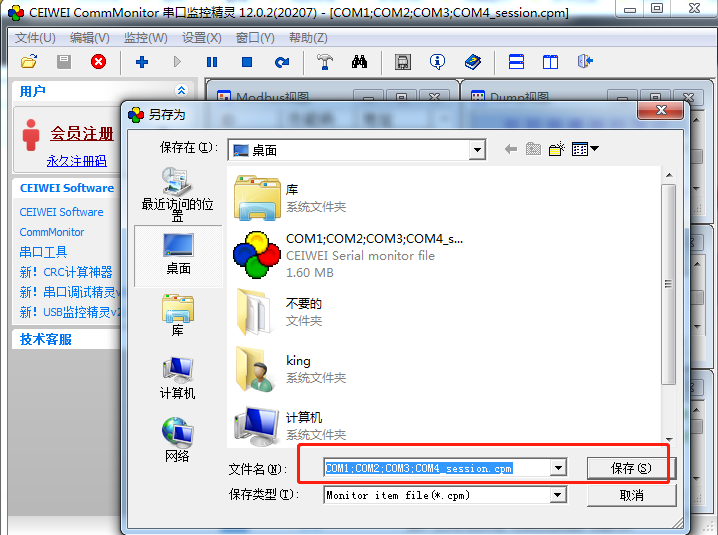
3. Select [Yes]->Save->the Save or Save As dialog will appear, choose the location you want to save to->enter a file name->Save->Done.